
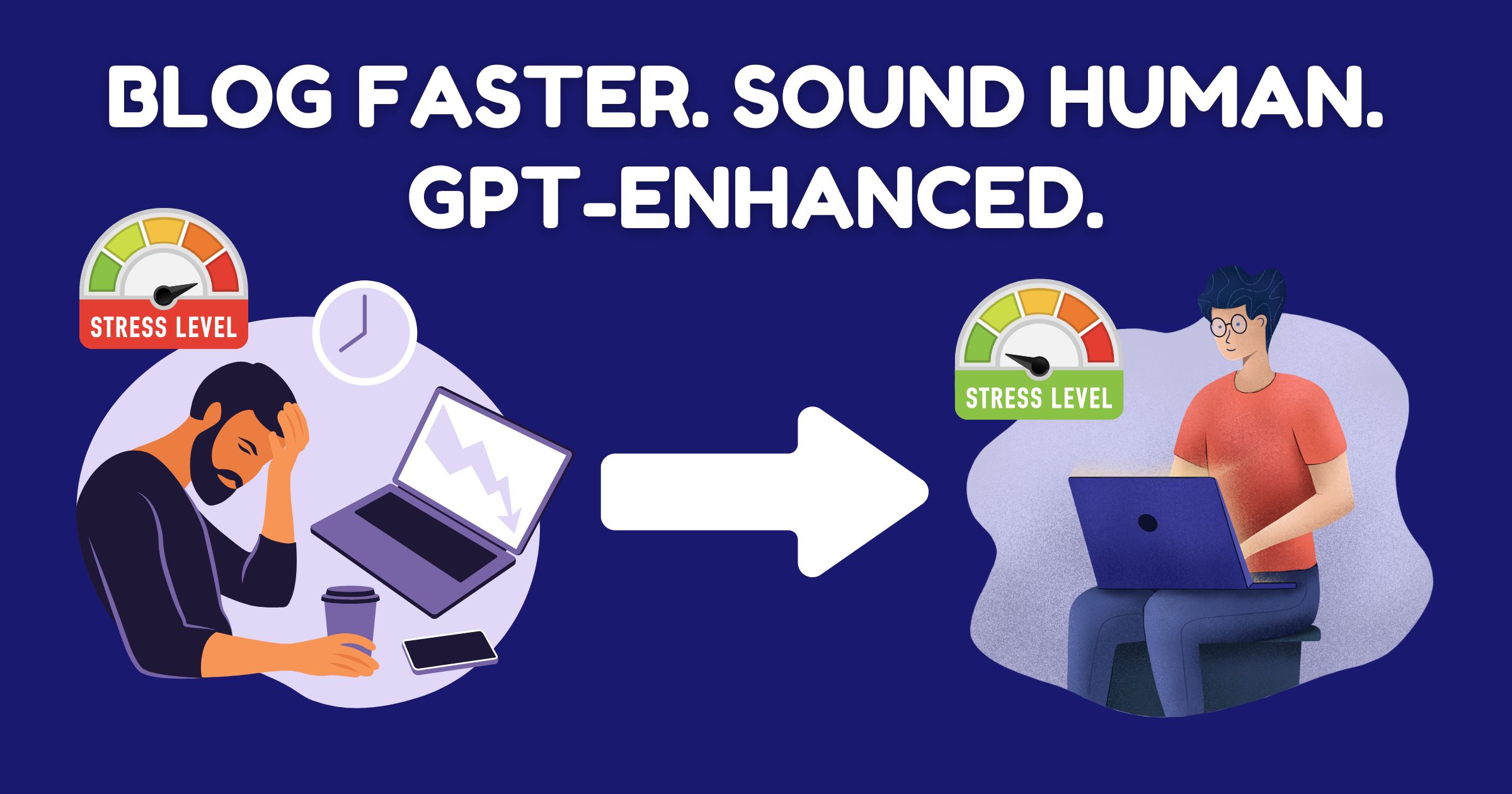
So here’s the honest truth: I didn’t start blogging with ChatGPT because I wanted to jump on an AI bandwagon.
I started because writing in English was painfully slow for me. Not because I had nothing to say—I had plenty of opinions (and let’s be honest, way too many half-written drafts). But grammar? Vocabulary? All those little details that make writing readable? Yeah, they dragged me down like a rusty anchor.
That’s when I realized, okay… maybe ChatGPT isn’t just for tech nerds or productivity bros. Maybe it’s a tool I could actually use.
But like anything powerful, it all comes down to how you use it.
Step 1: Set the Stage with the Right Prompt
Let’s start here, because if your prompt is vague or boring, ChatGPT is going to give you vague and boring output. Garbage in, garbage out.
When I first started using ChatGPT, I’d type stuff like:
“Write an SEO blog about morning routines.”
The result? Something that sounded like it was written by a sleep-deprived librarian trying not to offend anyone. Perfect grammar, sure. But zero soul. It felt like I’d just Googled the phrase and copied the first three results.
So I got more specific. I told GPT about me. My tone. My tendency to ramble. My love for making things relatable, not academic.
Now my prompt looks more like:
“You’re Jeffrey, a blogger in his 40s who writes casually, like talking to a friend. You’re honest, slightly sarcastic, curious, and overthink everything. Write a 1500-word blog post about how you use ChatGPT for SEO blogging—share your process, struggles with English, and why AI doesn’t replace personality.”
It’s long, sure. But that’s the point. The more detail you give, the more you the writing becomes.
Also, I save this prompt in a Notion template, so I don’t have to retype it every time. (Notion tip: create a content calendar and include a space for your ChatGPT prompt + output. Saves time and keeps everything organized.)
Step 2: Always Inject Your Voice—Even If You Think It’s Boring
This step is the most important, and the one most people skip. Yes, ChatGPT is good at structuring content, summarizing ideas, and using nice transitions. But it’s not good at telling your story. That’s still your job.
So here’s what I do: before I hit “go,” I add a few sentences of my own perspective. Even if it’s just random brain dump stuff like:
- “I used to hate writing meta descriptions.”
- “This topic bores me, but it’s trending on Google.”
- “I’m terrible at design, so I always struggle with blog images.”
What this does is steer the AI into making it sound human. Relatable. Like something I’d actually say.
Sometimes, if I’m feeling lazy, I’ll even tell GPT to ask me questions about the topic so I can fill in personal responses later. It’s like turning the blog into a conversation instead of a monologue.
Oh—and don’t forget humor. GPT can try to be funny, but it needs your direction. I usually include a note like:
“Use casual, funny, slightly sarcastic tone. Like if you’re texting a friend and ranting about this topic.”
That’s when it starts to click.
Step 3: Meta Titles, Descriptions & Tags—Don’t Skip This!
Okay, I used to be the guy who wrote a great post… then left the meta description blank. Or just filled it in with something like, “This is a blog post about productivity.” Amazing. Super helpful.
What I didn’t realize is that meta content is like your blog’s Tinder bio. If it doesn’t spark interest, people swipe right past it.
So now, after the blog is written, I ask GPT to generate:
- A snappy meta-title (60 characters or less)
- A persuasive meta-description (around 155 characters)
- A clean, SEO-friendly slug
- A teaser-style excerpt that can go on the homepage or social share
- A handful of SEO tags that help organize the post
I’ll even ask for 2 or 3 variations, then pick the one that sounds best.
Here’s a prompt I use:
“Generate SEO meta-title, meta-description, slug, short excerpt, and 8 relevant tags for this blog post. Keep the tone casual but click-worthy. Avoid generic language.”
Why does this matter?
Because the moment someone finds your post on Google or social media, this little blurb decides if they click or scroll. It’s your hook. And the best part is, GPT can help you brainstorm 10x faster than doing it yourself.
Step 4: Designing Featured Images (Even If You Have the Artistic Skill of a Toaster)
Visuals used to be the bane of my blogging existence.
Like, writing the blog was hard enough. Then I’d open up Canva, stare at a blank canvas, and immediately forget how fonts work. Or worse—spend 40 minutes trying to find the perfect background photo that didn’t look like it came from a 2011 PowerPoint deck.
Here’s how ChatGPT helped.
No, it can’t physically design your blog image (yet). But it can give you direction.
Now, I do this:
“Based on this blog content, suggest a featured image idea with text overlay, background style, and color scheme. Keep it modern, clean, and eye-catching.”
GPT will come back with ideas like:
“Use a laptop with a cup of coffee on a wooden desk, overlay text: ‘Blog Smarter, Not Harder.’ Use bold sans serif fonts with warm orange tones.”
Boom. That’s a concept. I take that straight to Canva or CapCut (yep, they now have a web-based editor too, which is surprisingly solid). I’m not starting from scratch anymore. I’m just executing a plan.
It’s a small thing, but it makes the process so much faster.
Step 5: Let GPT Handle Your Social Media Posts (Because You’re Tired, Too)
After writing a whole blog, the last thing I want to do is switch gears and become a social media copywriter. But guess what? GPT doesn’t get tired. It doesn’t get lazy. It’s always ready to whip out three Facebook captions, a tweet, and maybe a cheeky LinkedIn post if you ask nicely.
So now, after the article’s done, I run this:
“Write a Facebook post to promote this blog. Make it casual, personal, and include a teaser question. Keep it under 100 words.”
And just like that, I’ve got something I can copy-paste into my Facebook page. No agonizing over what to say. No wondering if it sounds lame.
Honestly, this step alone has helped me stay consistent with sharing content. And we all know half the battle of blogging is actually getting people to read it.
Step 6: The Final Polish—Where Your Voice Comes Back In
Now let’s be real. Even with all this help from GPT, there’s one step you absolutely cannot skip: editing.
ChatGPT is smart, but it doesn’t know you like you do. It doesn’t know the little phrases you always say, or the way you transition between topics, or that story you once told about failing your driving test twice (okay, maybe that’s just me).
So once I have the draft, I take 15–20 minutes to:
- Read it out loud (yes, really—it helps)
- Trim any fluff or repetitive lines
- Add personal stories, jokes, or opinions
- Fix tone if anything feels too “GPT-ish” or generic
- Add links to other posts, products, or tools I use (like Notion templates)
It’s during this step that the post stops feeling like a polished Wikipedia page and starts feeling like something I actually wrote. Something human.
GPT Doesn’t Replace Writers. It Elevates Them.
Here’s the big picture: I’m not using ChatGPT to replace writing. I’m using it to reduce the boring parts of writing.
It’s not a shortcut—it’s a co-pilot.
It helps me overcome the time suck of grammar, the stress of structuring paragraphs, the panic of picking a blog title, and the confusion of writing meta tags that don’t suck. It frees me up to do the part I actually care about: sharing ideas, experiences, and perspectives that someone else might connect with.
And for someone who isn’t a native English speaker, that’s a game-changer.
Final Thoughts: Should You Try This?
If you’re a blogger who’s:
- Tired of spending hours on every single post
- Frustrated with grammar and wording
- Dreading the SEO bits or image creation
- Just trying to find your “voice” online
Then yeah—this method is 100% worth trying. Start with a good prompt. Feed it your personality. Use it to brainstorm, build structure, and save mental energy. Then go back in and make it yours.
You don’t need to be a writing wizard. You just need the right tools and a little bit of curiosity.
And maybe, just maybe—you’ll find blogging fun again.






 English
  简体中文
简体中文